- Introduction
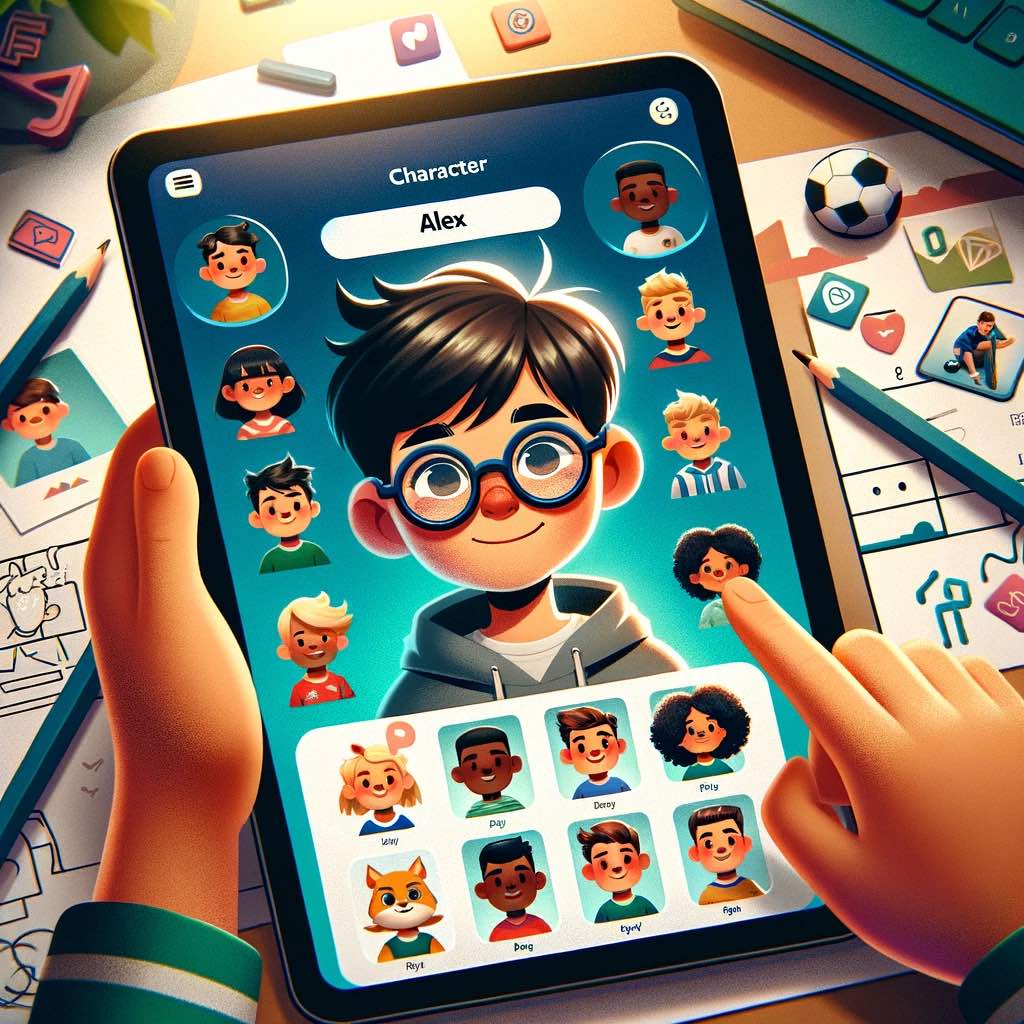
- Setting the Stage with Main Characters
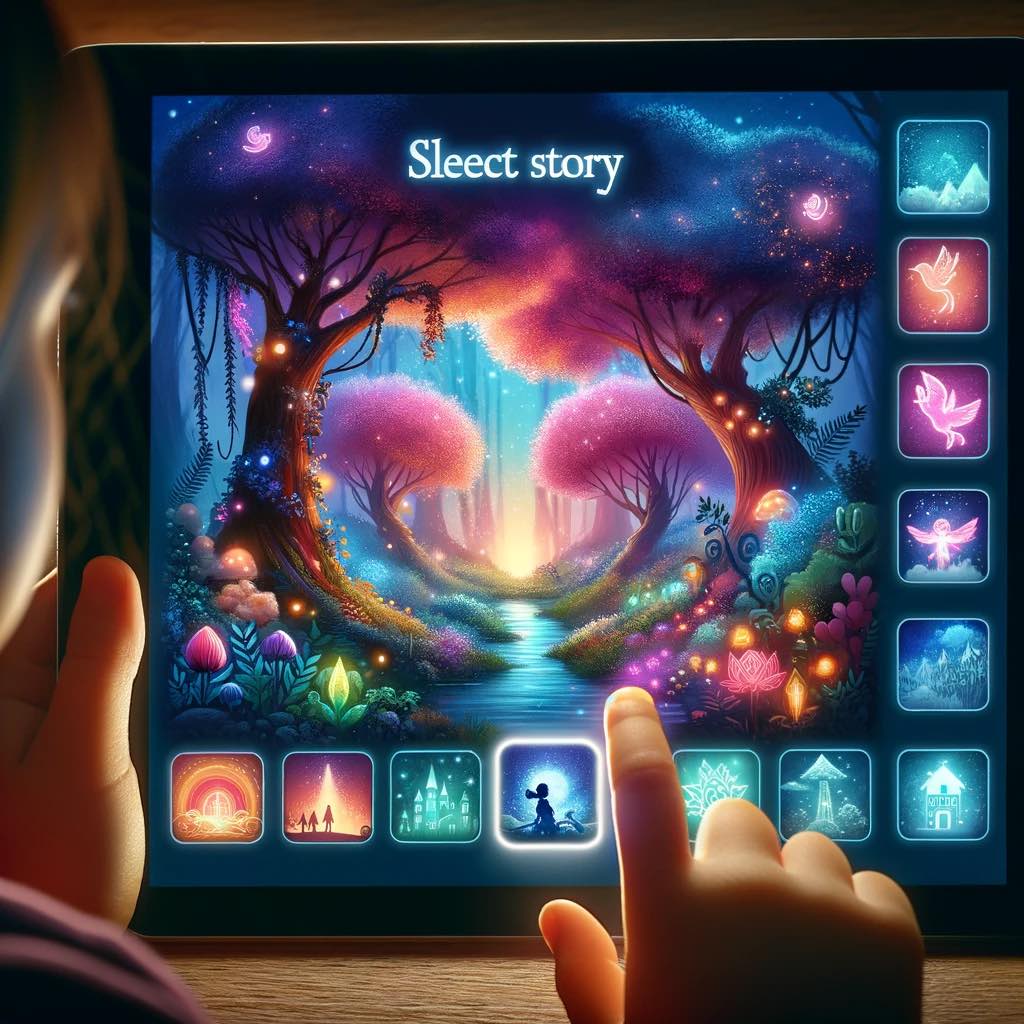
- Choosing the Perfect Setting
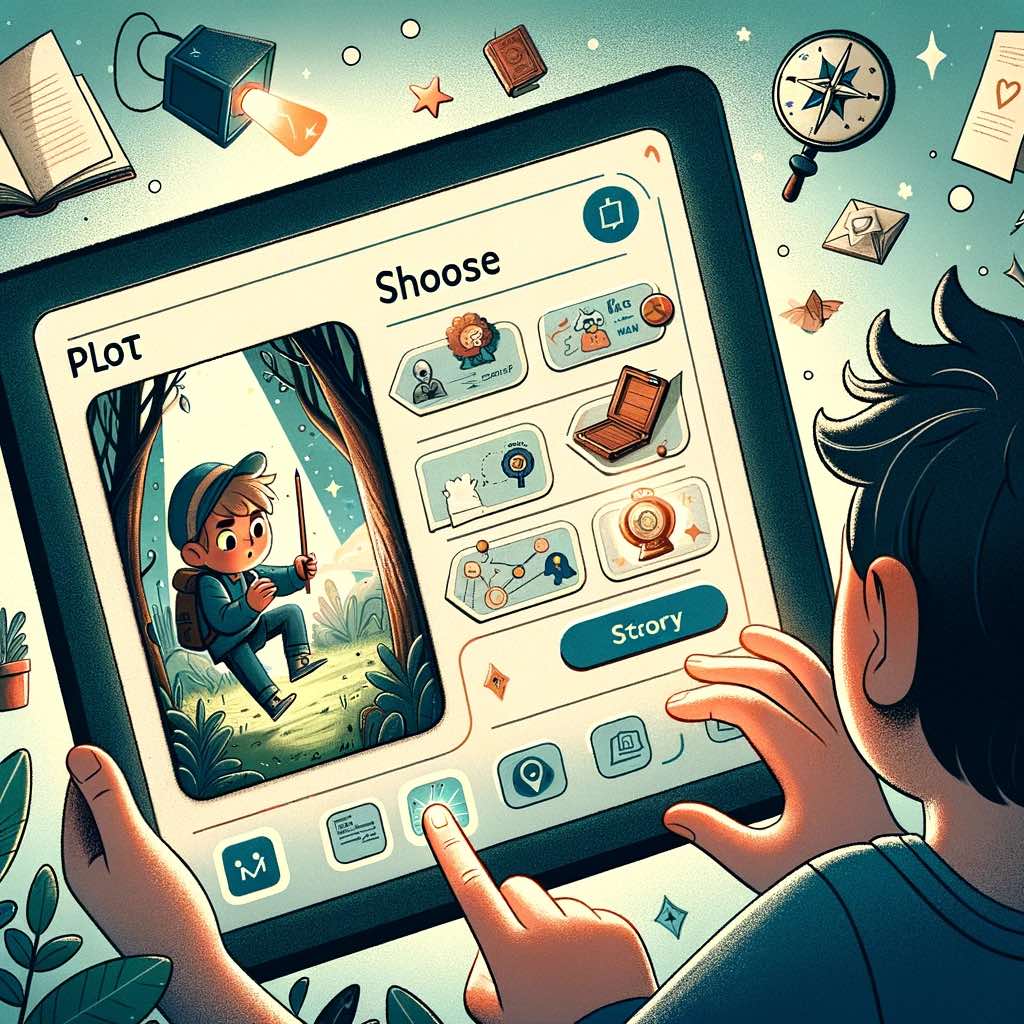
- Crafting the Plot
- Enhancing the Story with Complexity
- Adding Supporting Characters
- How ChatGPT Alters the Story with Your Inputs

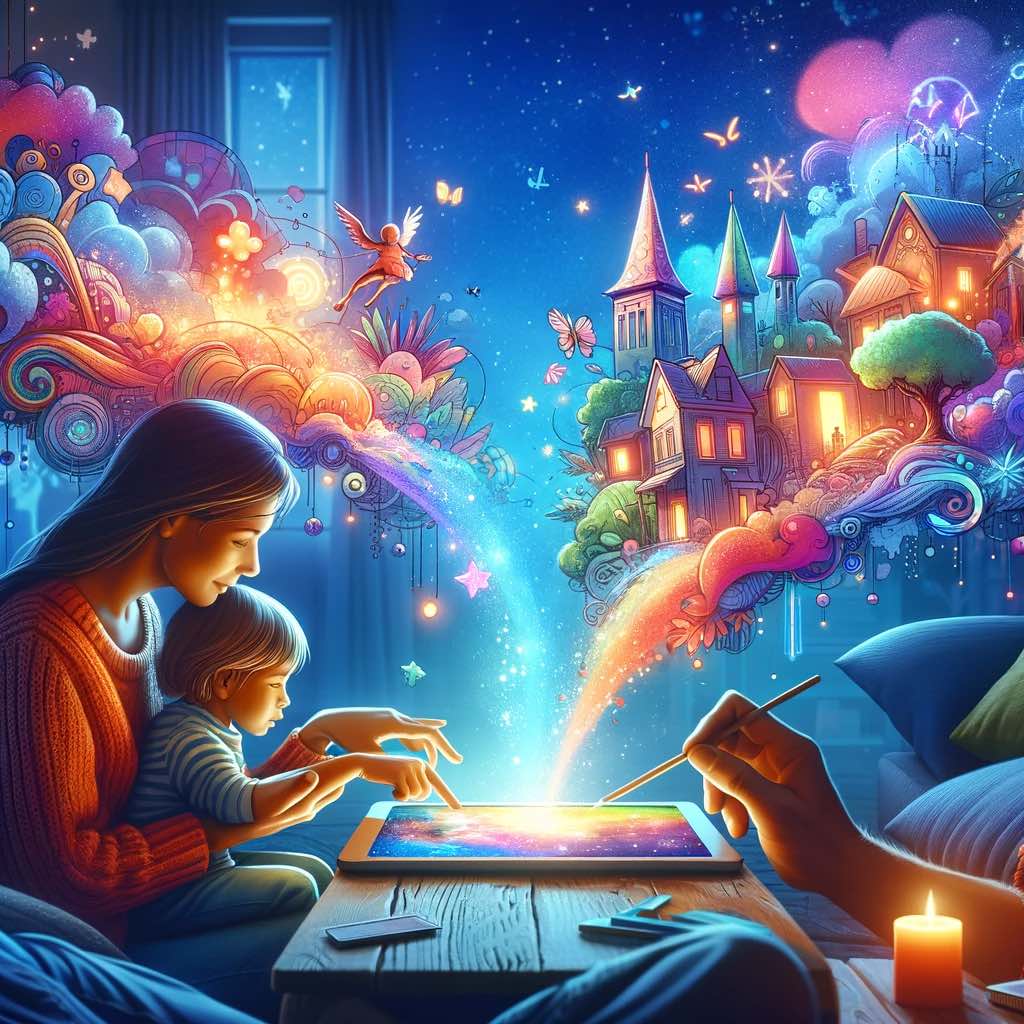
In a world where technology meets imagination, creating personalized stories for your children has never been more exciting and interactive. Our app, equipped with ChatGPT's advanced capabilities, allows you and your child to become storytellers, weaving unique tales that can captivate, educate, and entertain. Here's how you can make the most of it.
Start by choosing the main character for your story. Your child can tap on an image to select a character like a boy or girl, choose their race, and even add a personal touch by naming them. You can also customize features like “wears glasses” or “has curly hair” to make the character more relatable to your child. Example: Selecting a boy named Alex who wears glasses and loves soccer.
The next step is to pick a location where the story unfolds. This could range from a magical forest to a bustling city. The setting shapes the backdrop of your story and can influence its mood and direction. Example: Opting for a mystical forest as the setting.
Here's where creativity takes flight. You can choose from preset plot suggestions or input your own ideas. Encourage your child to think of plot elements – maybe a challenge the main character faces or a mystery they solve. Example: Deciding on a plot where Alex discovers a hidden treasure in the forest.
For a more intricate story, utilize the text box to add detailed plot elements. This is where ChatGPT's prowess shines. The more specific your details, the more tailored and engaging the story. Consider aspects like a twist in the tale or a moral lesson. Example: Adding a twist where the treasure turns out to be a gateway to a magical world.
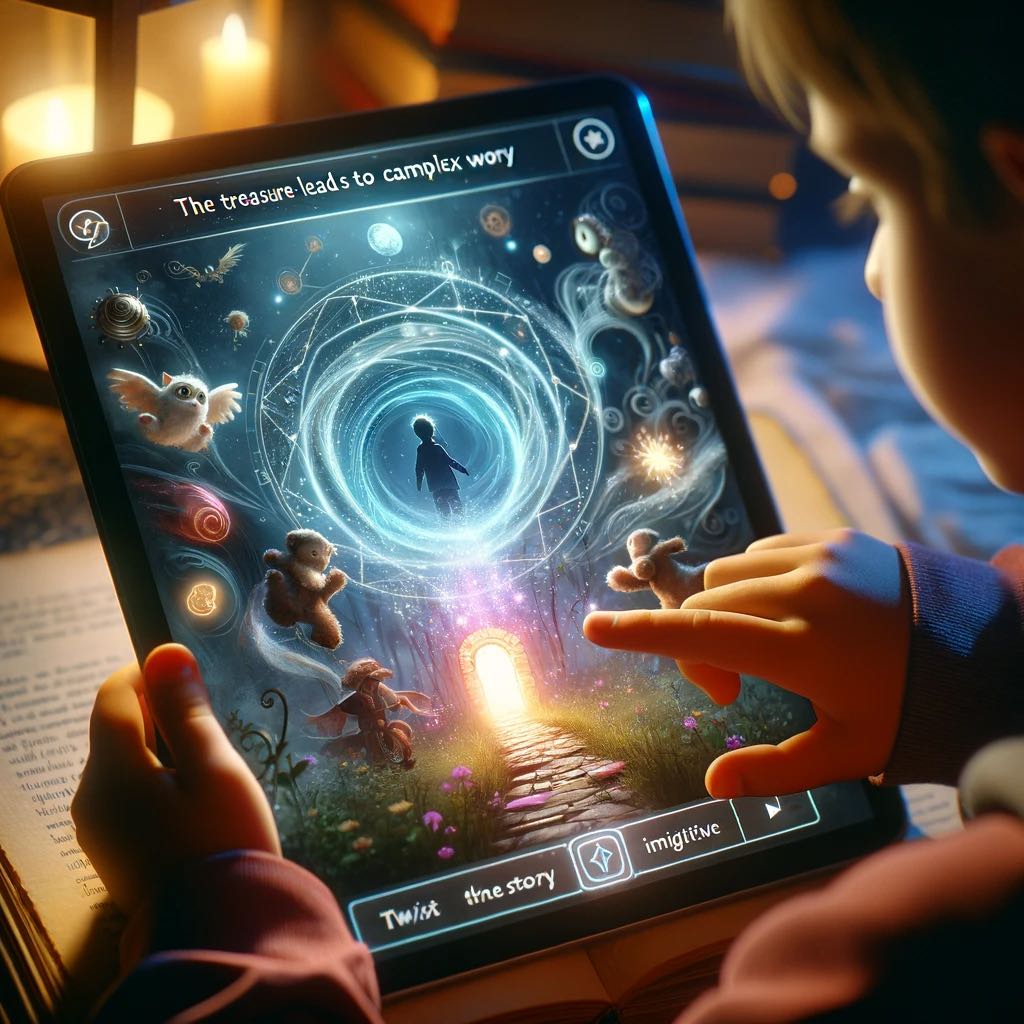
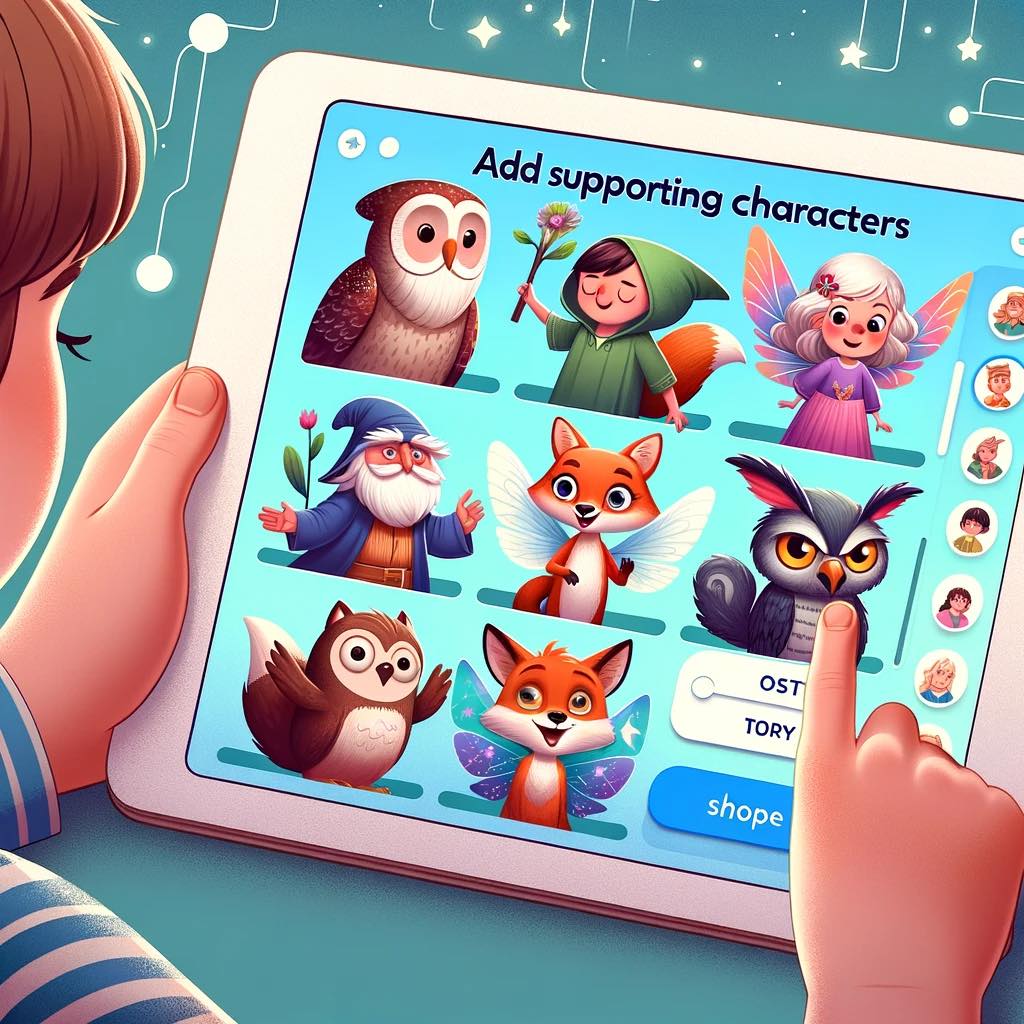
Introduce additional characters to enrich the story. This could be a wise old owl, a mischievous fairy, or even a robotic companion. Each character brings their own flavor and can introduce new plot directions. Example: Including a talking fox who helps Alex solve riddles.
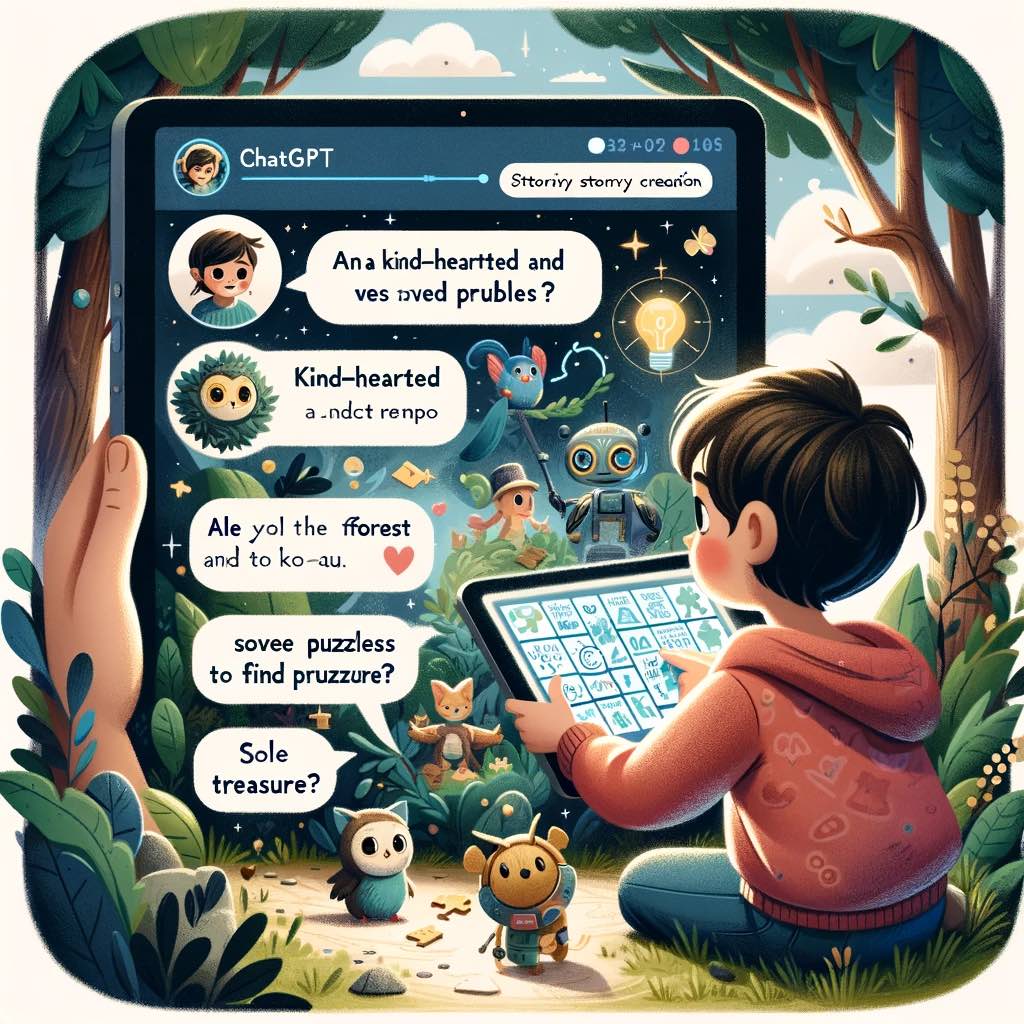
ChatGPT uses the details you provide to generate a coherent and captivating narrative. The more specific your inputs in the final two sections, the more personalized and complex the story becomes. For example, if you specify that Alex is kind-hearted and loves solving puzzles, ChatGPT might weave a tale where his kindness helps him befriend forest creatures who give him clues to solve the ultimate puzzle – the treasure’s location.
Your child’s imagination is the only limit when it comes to creating stories with our app. By engaging with the different elements and adding your unique touches, you help ChatGPT bring to life a story that resonates with your child's interests and imagination. So, dive in, experiment with different combinations, and watch as your child's face lights up with every new adventure you create together!